

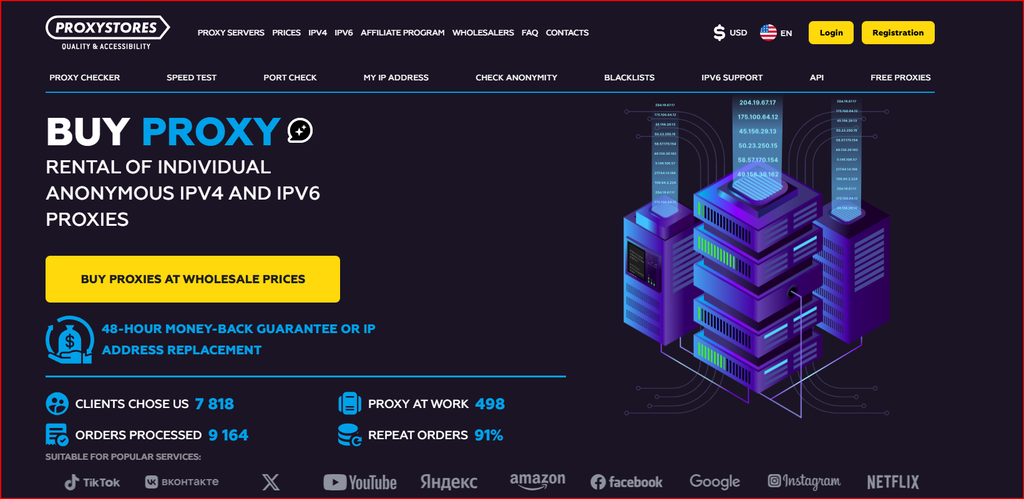
For this article, I tested the published features of ProxyStores MTProto proxies for Telegram and compared the specialized MTProto option with the provider’s normal individual IPv4 and HTTP/SOCKS5 products. My goal was to understand when MTProto is the right tool, how the pricing compares, what I would verify before relying on it, and where a standard proxy is a better choice. This is a networking and privacy review, not a guide to spam, mass messaging or platform-policy evasion.
What MTProto Is
MTProto is the protocol family used by Telegram, and an MTProto proxy is designed specifically for Telegram traffic. That makes it different from a general HTTP or SOCKS5 proxy. If my only requirement is to route Telegram through a compatible proxy endpoint, the dedicated MTProto product is the most direct option. If I need a proxy for a browser, scraper, SEO tool or unrelated application, I would choose a standard IPv4 proxy instead.
ProxyStores lists MTProto alongside individual IPv4, shared IPv4 and IPv6. The public pricing for MTProto matches the individual IPv4 price tiers shown on the provider price page. The service also publishes a large country list, short rental periods, automated activation and a 48-hour refund or replacement position subject to its terms.
I do not treat a proxy as a substitute for Telegram account security. Two-step verification, device-session review, strong passwords on the email account and cautious handling of login codes remain more important than the proxy itself.
My Setup Checklist
I start with the official Telegram client and the exact proxy credentials supplied by the provider. Before changing anything, I record the current connection state. Then I add the MTProto endpoint through Telegram’s proxy settings and confirm that the client connects normally. I test basic sending and receiving with my own account, then disconnect and reconnect to see whether the endpoint remains stable.
I also check what happens when the network changes from Wi-Fi to mobile data. A useful proxy should recover cleanly instead of leaving the client stuck. If the proxy repeatedly fails while the direct connection works, I test another endpoint before assuming the Telegram app is the problem.
I never enter Telegram login codes into the proxy provider website. The proxy needs connection details, not my Telegram authentication secret. If any third-party service asks for login codes outside the official client flow, I treat that as a security warning.
MTProto vs SOCKS5
Telegram also supports SOCKS5 in many clients. If I already have a good dedicated IPv4 SOCKS5 proxy, that can be a flexible choice because the same endpoint may also work with other software. MTProto is more specialized. I choose it when I want a Telegram-focused configuration and do not need the IP for general browser traffic.
The trade-off is portability. A SOCKS5 proxy can be used in many applications, while an MTProto proxy is tied to the Telegram use case. Pricing therefore matters less than operational convenience because ProxyStores lists similar individual pricing for both categories.
I would not assume one protocol is automatically more private. The end-to-end security model depends on the application and chat type. The proxy primarily changes the network route; it does not turn every Telegram conversation into a secret chat.
Country Selection and Stability
The provider lists many countries for its MTProto product. I would choose a location based on routing quality and legal availability, not simply the farthest possible country. A nearby region often produces lower latency and faster reconnection. If I need a specific regional exit, I verify the detected IP location after connecting.
For long-term use, I value a stable address more than constant rotation. A static endpoint is easier to troubleshoot and easier to whitelist locally if I use firewall rules. If I only need temporary access while traveling, a five-day rental can be enough to test the route before committing to a month or year.
No provider can guarantee that every endpoint will remain reachable from every network. ISPs, corporate firewalls and local restrictions can change, so I keep a fallback plan and use official Telegram connectivity features where available.
Privacy and Security Boundaries
A proxy changes the network path between my device and Telegram infrastructure, but it is not the same thing as a full-device VPN. Other apps on the phone or laptop do not automatically use the Telegram proxy. If I need protection for all network traffic on public Wi-Fi, I use a reputable VPN or secure network in addition to normal application security.
I also distinguish privacy from anonymity. My Telegram account can still be associated with the phone number, contacts, device sessions or other account data depending on settings. A proxy IP alone does not erase those identifiers.
For account safety, I review active sessions, enable two-step verification, keep the client updated and avoid unofficial modified apps. Those controls reduce risk more directly than changing proxy endpoints frequently.
When Standard IPv4 Is Better
If I am managing a browser-based Telegram Web workflow, public web research, localization QA or another application alongside Telegram, individual IPv4 with SOCKS5 may be more practical because it is not Telegram-specific. ProxyStores provides both formats automatically for its normal proxy products.
Shared IPv4 is cheaper but can carry reputation history from other users. For a personal long-running endpoint, I would normally pay the small premium for an individual IP. IPv6 is cheaper still, but I would only choose it after confirming full compatibility with the client and network path.
MTProto and Standard Proxy Pricing
Before ordering, I would verify the live details on the ProxyStores proxy pricing.
| Product | 5 Days | 30 Days | 90 Days | 360 Days | Notes |
|---|---|---|---|---|---|
| MTProto (1-20) | $0.96/IP | $1.77/IP | $5.31/IP | $21.24/IP | Telegram-specific protocol |
| Individual IPv4 (1-20) | $0.96/IP | $1.77/IP | $5.31/IP | $21.24/IP | HTTP/SOCKS5 general use |
| Shared IPv4 | $0.67/IP | $0.99/IP | $2.97/IP | $11.88/IP | Shared by up to 3 users |
| IPv6/32 (1-99) | $0.10/IP | $0.51/IP | $1.53/IP | $6.12/IP | Only compatible targets |
Pricing snapshot checked in September 2026. Provider prices, discounts, locations and terms may change.
What I Liked
I like that ProxyStores exposes MTProto as a first-class product instead of forcing users to adapt a generic proxy manually. The short five-day rental, broad country list, automated delivery and familiar per-IP pricing make it easy to test.
I also like having standard IPv4, shared IPv4 and IPv6 in the same account. If my use case changes, I can move from a Telegram-specific proxy to a general SOCKS5 endpoint without learning a completely different provider.
What I Would Improve
I would add a dedicated English MTProto setup guide with screenshots for the official Telegram apps on desktop, Android and iOS. That would reduce configuration mistakes and make the difference between MTProto and SOCKS5 clearer.
I would also publish more explicit security guidance explaining what a proxy can and cannot protect. Users sometimes assume a proxy secures the whole device, which is not true for an app-specific configuration.
FAQ
Is MTProto only for Telegram? It is a Telegram-specific proxy protocol, so I would use it for Telegram rather than general browser traffic.
Can I use SOCKS5 with Telegram instead? Yes, many Telegram clients support SOCKS5, and ProxyStores also sells standard IPv4 proxies in HTTP/SOCKS5 formats.
Does an MTProto proxy protect all apps on my phone? No. It routes Telegram traffic configured to use the proxy, not all device traffic.
How long can I rent one? ProxyStores publishes periods including 5, 30, 90 and 360 days.
Should I use shared IPv4 instead? For a long-running personal endpoint, I prefer individual service because the IP is not shared with other customers.
Conclusion
My final take is that ProxyStores is a convenient option for users who specifically want a Telegram-compatible MTProto endpoint without turning the setup into a custom networking project. I would use MTProto when Telegram is the only target, switch to individual IPv4 SOCKS5 when I need a more general proxy, and keep normal Telegram account-security controls enabled either way. For a simple short-term test, the ProxyStores MTProto proxy setup offers clear pricing and enough country choice to validate the connection before committing to a longer rental.
